SpeedRunners 2 Rebind Tips
Build a personal layout that survives 8-player chaos without accidental slides or dead grapples.
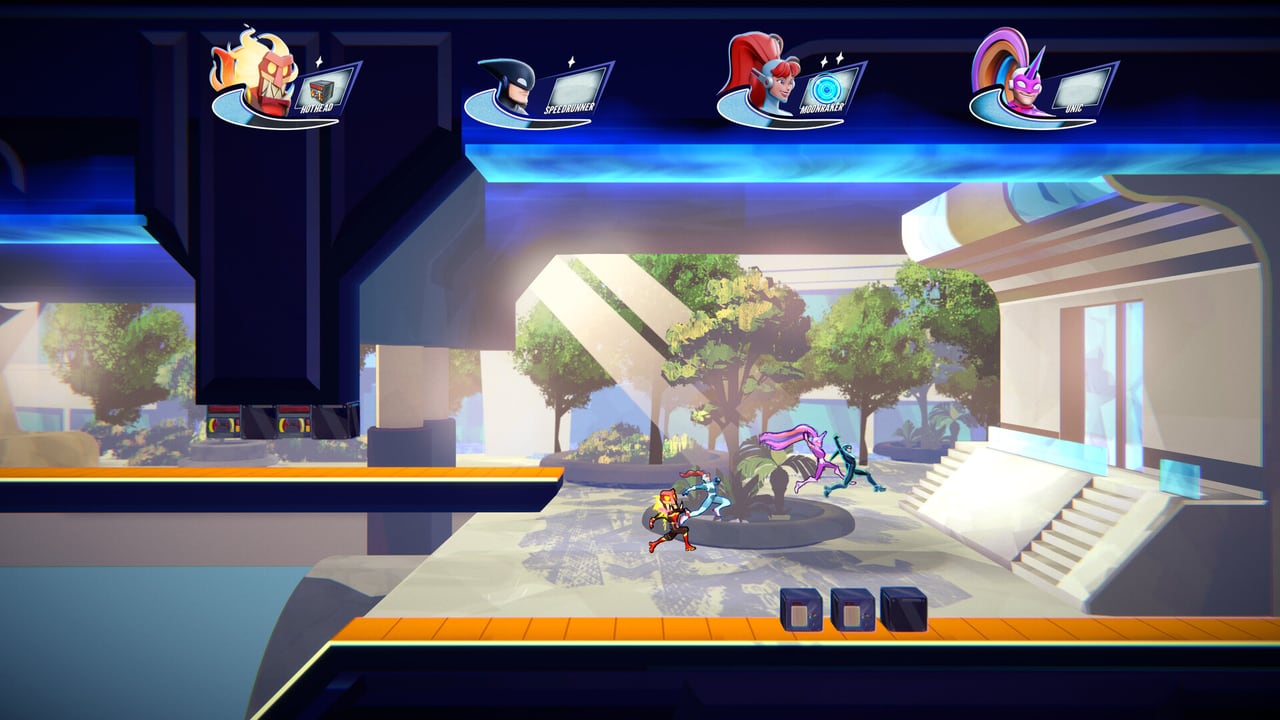
Default controls exist so everyone can boot the Steam demo and move. They are not a purity test. Rebinding is how you convert King of Speed from “my hands hurt” into “I can execute the swing I practiced.” Fair Play Labs supports remapping on PC and consoles — this page gives a practical remapping process, conflict rules, and sample philosophies without inventing fake option menu labels that may differ after patches.
Rebind principles
- One thumb, one job family — movement should not share a key with Grapple or Pickup.
- Deliberate Slide — Slide should be harder to brush accidentally than Jump.
- Boost reachable under stress — when the camera leaves you, you need meter instantly.
- Taunt exile — put taunt somewhere you will never hit mid-recovery.
- Same layout across devices when possible — PC pad users should mirror console habits before Game Pass nights.
Step-by-step remapping session
- Open Options → Controls (wording may vary).
- Bind Move first; test in a tutorial corridor.
- Bind Jump second; confirm wall jumps still feel rhythmic.
- Bind Grapple third; practice on blue ceilings from Maps.
- Bind Slide fourth; verify you do not slide while turning.
- Bind Pickup and Boost last so combat and panic tools fit around movement.
- Play two bot races via Local & Practice before touching Ranked.
Sample philosophies (not mandates)
WASD mover: A/D move, Space jump or boost (pick one identity and stick to it), nearby keys for Grapple/Pickup, Ctrl/C for Slide.
Arrow purist: Keep defaults from PC Keyboard, only move Taunt away if it interferes.
Pad precision: D-Pad move, keep A jump / RT boost, consider swapping Slide if Y misclicks dominate.
Left-hand dominant: Put movement on arrow keys but move Grapple to a key your ring finger can reach without leaving Jump.
Conflict checklist
- Jump and Boost on the same key → disaster.
- Slide on the same key as Move Down without a clear modifier → accidental slides.
- Grapple on a mouse button you use for menus → confusion in lobby UI.
- Different binds for demo vs friends’ couch profile → always recheck when swapping users.
- Pickup on a key you stretch for during panic → you will never use items when it matters.
Training after a rebind
Muscle memory lag lasts longer than pride admits. Use the Practice planner for three short sessions before judging the new layout. Combine with Movement & Grapple drills so your brain rebuilds timing and fingers together.
Device-specific rebind notes
Steam Deck players often remap to back buttons for Grapple. Switch Joy-Con splits are cramped — consider Pro Controller for serious sessions. Xbox Game Pass cloud streaming adds latency; simpler layouts with fewer finger gymnastics help.
When not to rebind
If you are one hour from a community tournament bracket (Tournament Mode), do not invent a brand-new Jump key. Rebind in calm weeks, not elimination nights.
Related reading
Controls Hub · Controller · Cheatsheet · How to Play · Advanced Tech · Items
Comfortable binds are competitive advantage disguised as accessibility. The fire wall does not care which key you used — only whether you pressed it in time.
Launch-week rebind policy
Treat the week of September 3, 2026 as a freeze window unless a bind causes physical pain. Patch day churn plus new maps from Maps Hub already tax muscle memory — do not stack a radical layout change on top. If you must adjust, change one action per session and validate in Local & Practice before ranked demo or Game Pass nights.
Rebind drills after any change
Run this 15-minute loop: five wall jumps, five deliberate slides, five blue-ceiling grapples on Demo Maps, one bot race with items disabled, one bot race with Utility Items only. Stop early if misclick rate spikes — revert the last bind and try a smaller swap. Comfortable hands beat exotic layouts in Tournament Mode brackets.
Keep this page bookmarked
Revisit this Rebind Tips after every demo patch and again on September 3, 2026 launch week. Cross-check binds in Controls, routes in Maps, and lobby types in Modes so your notes stay aligned with Fair Play Labs’ live build — page key: content\source\controls\rebind.json.
Frequently Asked Questions
Quick answers to the most common questions.
Should beginners rebind immediately?
Only if defaults feel painful. Otherwise learn defaults for one session, then remap with intention.
Can I break the game by rebinding?
You can make races harder with bad overlaps. Follow the conflict checklist above.
Do remaps sync across platforms?
Not necessarily. Recreate your layout on each device; see [Platforms](/review/platforms/).
What should I change first?
Movement and Jump. Everything else orbits those two.
Where do I test new binds safely?
Use [Local & Practice](/modes/local-practice/) and demo tutorials before ranked.